Telehealth appointments now account for nearly 25–30% of all U.S. medical visits — and that number keeps climbing (ScienceSoft / Patient Care Online). But a shaky Wi-Fi connection, a forgotten medication list, or a poorly lit room can burn your entire appointment slot before you’ve even described your symptoms.
Most patients log on unprepared. They can’t recall their current medications off the top of their head, their camera freezes after two minutes, and they hang up wishing they’d written their questions down beforehand.
This guide walks you through exactly how to prepare for a telehealth appointment — your complete telehealth appointment checklist from tech setup and document gathering to health data logging — so your provider gets the full picture in the limited time you share.
Quick answer: Test your device and internet connection 24 hours before, gather your medication list and insurance information, write down your symptoms and questions, and find a quiet, well-lit private space. Logging recent vitals and symptoms in a health tracking app beforehand gives your provider objective data they’d otherwise have to take your word for.
Step 1: How to Prepare for a Telehealth Appointment — Start with Your Tech
Nothing derails a virtual doctor visit faster than a technical failure you could have caught the night before. Give yourself at least 24 hours to troubleshoot — not five minutes before the call starts.
Check these items the day before your appointment:
- Camera and microphone — Open your camera app or make a short video call to confirm both work clearly
- Internet speed — Most telehealth platforms require at least 10 Mbps for stable video; run a free speed test at fast.com or speedtest.net
- Platform app — Download or update the specific telehealth app your provider uses (Zoom for Healthcare, Teladoc, Doxy.me, MyChart, etc.)
- Battery and charger — Plug in your device or keep a charger nearby; a dying battery mid-visit is avoidable
- Earbuds or headphones — These reduce background noise and dramatically improve audio quality for both you and your provider
Run the platform’s built-in device test if available — many telehealth systems include a “test your connection” link in your confirmation email.
What to Do If Technology Fails During Your Visit
Even a well-prepared setup can glitch. Before your appointment, locate your provider’s direct phone number — most clinics include it in the confirmation email or patient portal.
If video drops mid-visit, don’t panic. Text or call the office immediately. Most providers have a documented protocol for tech failures and can switch to a phone-only visit or reschedule without penalty. It’s common enough that your care team won’t be surprised.
Step 2: Gather Your Medical Documents and Insurance Information
Knowing what to have ready for a telemedicine appointment — and pulling it all together the evening before — is one of the simplest ways to improve your visit. Scrambling for your insurance card while your provider waits wastes clinical time.
Your pre-visit document checklist:
- Medication list — Every prescription, over-the-counter drug, and supplement with name, dosage, and frequency
- Insurance card and member ID — Keep it physically nearby or have a photo of it on your phone
- List of current providers — Primary care doctor, specialists, and their contact information
- Relevant medical history — Recent diagnoses, surgeries, hospitalizations, or test results since your last visit
- Pharmacy details — Name, address, and phone number so a prescription can be called in immediately if needed
If you use a patient portal (MyChart, FollowMyHealth, etc.), log in the day before to confirm your information is current.
Does Insurance Cover Telehealth?
Coverage varies, but the landscape has improved. As of 2025, nearly half of U.S. states have enacted payment parity laws requiring insurers to reimburse telehealth at the same rate as in-person care. 78.6% of U.S. hospitals had implemented telemedicine solutions by February 2024 (Definitive Healthcare via ScienceSoft), making virtual visits a standard offering at most health systems.
Your specific plan may still have copays, deductibles, or network restrictions. Call the member services number on your insurance card or log into your member portal before the appointment to confirm:
- Whether telehealth visits are covered under your plan
- Your applicable copay or coinsurance amount
- Whether your provider’s platform is in-network
Step 3: How to Prepare for a Telehealth Appointment with Logged Health Data
This step separates a good telehealth visit from a great one — and almost no one does it.
Telehealth visits typically run 15–20 minutes. That’s not much time for your provider to gather a complete clinical picture. Arriving with a week or month of logged vitals and symptoms gives them objective data they’d otherwise have to take your word for.
Log these items before your appointment if you have home monitoring devices:
- Blood pressure readings — Taken at the same time each day, noting the date, time, and reading
- Weight trends — Especially relevant for chronic conditions like heart failure or diabetes management
- Heart rate and oxygen saturation — If you have a pulse oximeter or smartwatch
- Blood glucose levels — With timestamps and notes on meals if applicable
- Symptom log — When each symptom started, how often it occurs, and severity on a 1–10 scale
A symptom diary is one of the most practical tools you can bring to any medical visit, virtual or in-person. Learning to track your daily health metrics consistently between appointments also builds a valuable baseline your provider can reference over time.
Why Tracked Health Data Makes a Difference
Imagine describing chest tightness to your doctor from memory versus sharing a 10-day log showing your blood pressure spiked every morning between 6–8 a.m. The second scenario enables a clinical decision. The first generates follow-up questions that eat into your limited appointment time.
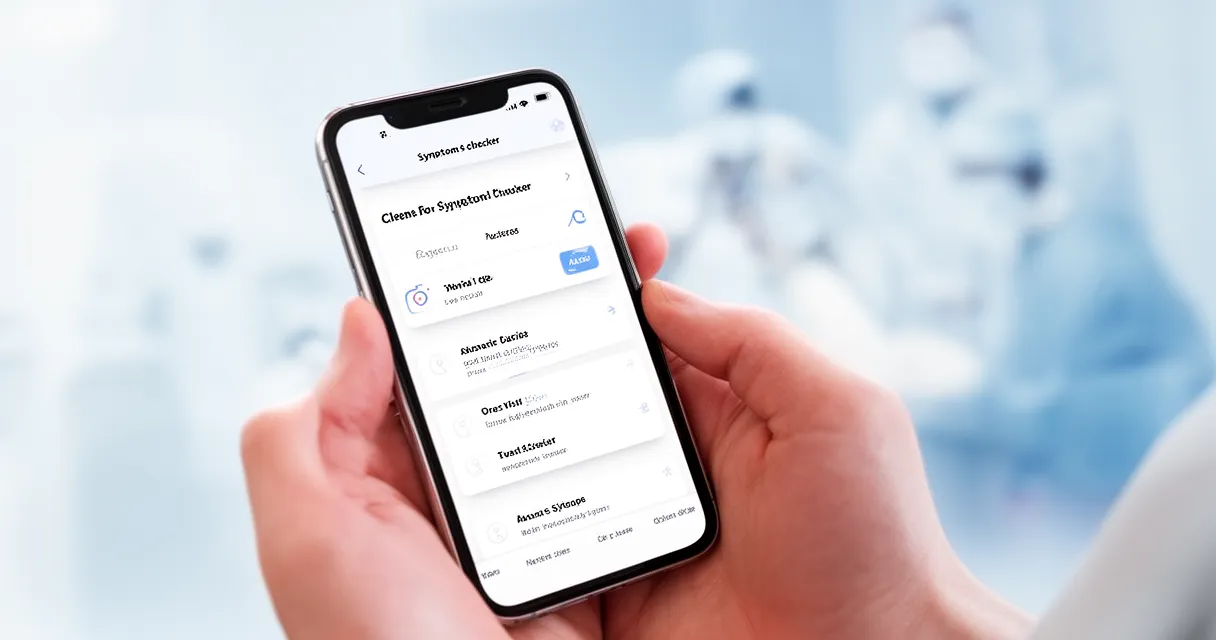
Many digital health tools now consolidate this data into a single shareable view. Look for a health tracking app that lets you log vitals, symptoms, medications, and notes in one place — ideally one with a patient portal integration or PDF export you can upload before the call or reference on a second screen during it.
Using AI to prepare your health summary: AI assistants like ChatGPT or Claude can help you organize and articulate your symptoms before the visit. Describe what you’ve been experiencing in plain language, and the AI can help structure it clearly — grouping related symptoms, noting severity and duration, and flagging patterns you might have missed. It’s a communication tool, not a diagnostic one. AI-powered health apps that use machine learning to detect anomalies in heart rate or glucose trends can also surface data worth raising during the call.
A nutrition and diet log is also worth including if your visit involves weight management, digestive issues, or metabolic health — providers often ask about diet and rarely get useful answers without written records.
Step 4: Write Down Your Questions
Telehealth visits are short. Without a written list in front of you, it’s easy to remember your most important question thirty seconds after you’ve said goodbye.
How to prioritize your questions:
- Rank your top three concerns before the visit and lead with the most important one
- Ask about medication refills or changes at the start of the call, not as an afterthought at the end — this gives the provider time to review your records
- Note any questions about pending test results, specialist referrals, or follow-up care
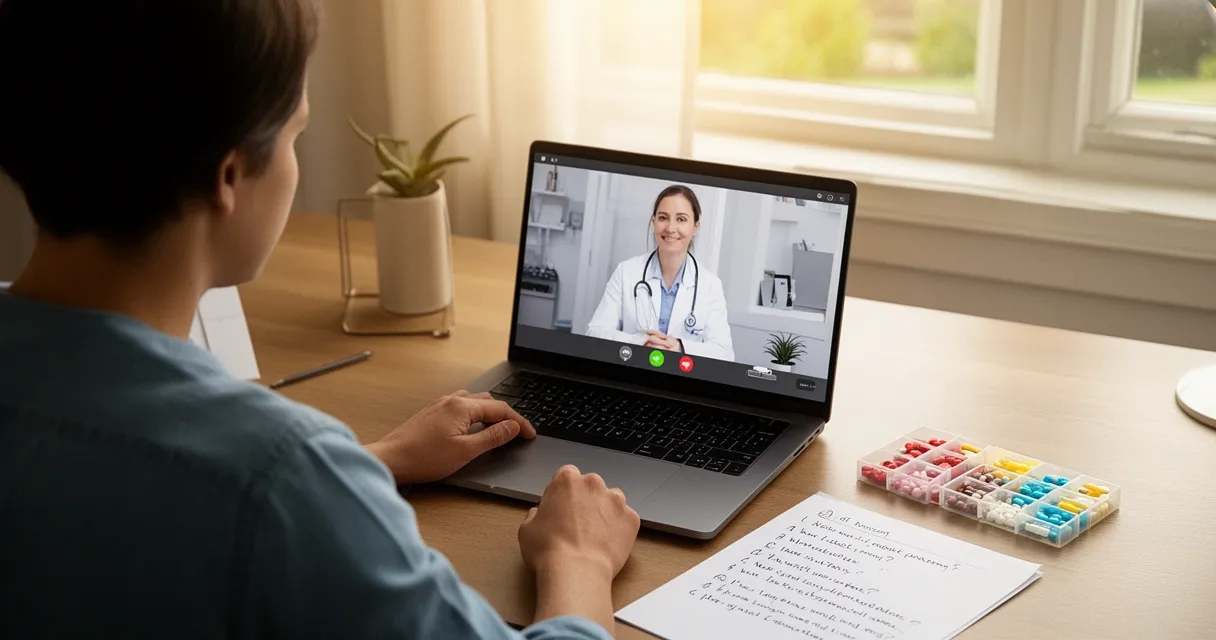
- Keep the list visible during the call — on paper beside your screen or on a second device
Write your questions the night before in a notes app, then screenshot or print them so you can glance at the list without switching away from the video call.
Step 5: Set Up a Private, Well-Lit Space
Your physical environment affects the quality of your virtual doctor visit more than most people expect. A dark background makes it hard for your provider to visually assess you. A noisy room means repeating yourself.
Environment checklist for telemedicine visit preparation:
- Choose a room with a closable door — privacy protects your personal health information and lets you speak freely
- Face a light source — position yourself facing a window or lamp so natural or artificial light falls on your face, not behind you (backlighting creates a silhouette)
- Position the camera at eye level — prop your device on books or use a stand; looking down into a laptop camera distorts your image and feels disconnected
- Silence notifications — close unnecessary browser tabs and turn on Do Not Disturb mode on your device
- Dress appropriately — wear loose, easily adjustable clothing if there’s any chance your provider needs to observe a rash, injury, or range of motion
If privacy is a concern — shared housing, thin walls, or a small apartment — some pharmacies and public libraries now offer private rooms specifically for telehealth visits. Call ahead to reserve one.
What to Do During and After Your Telehealth Visit
Knowing how to set up for a telehealth visit gets you through the door. What happens during and after determines what you actually take away.
During the call:
- Join 5 minutes early to handle any last-minute connection issues without eating into clinical time
- Ask permission to take notes or, where legally allowed, record the visit for personal reference
- Work through your prioritized question list and don’t let the call end before you’ve hit your top two or three concerns
After the call — don’t skip this part:
- Confirm all follow-up steps before ending: lab orders, imaging requests, referrals, and prescription details
- Update your health tracking log with any new provider instructions, medication changes, or dosage adjustments
- Schedule any follow-up appointments before closing the platform — it takes 60 seconds and prevents the friction of calling back later
- Note what you’d do differently to prepare better for your next visit
44% of patients reported having a virtual care visit in the previous 12 months (Deloitte 2024 Survey). The patients who build strong preparation habits consistently get more from every visit.
Frequently Asked Questions
What technology do I need for a telehealth appointment?
You need a smartphone, tablet, or laptop with a working camera and microphone, a reliable internet connection (10+ Mbps recommended), and the telehealth platform or app your provider specified. Earbuds or headphones significantly improve audio quality for both parties and reduce background noise.
How do I test my camera and microphone before a virtual doctor visit?
Most telehealth platforms include a built-in device test — look for a “test your connection” link in your appointment confirmation email. You can also open your device’s camera app to verify video is working and check microphone input levels in your system settings. A short video call with a friend is another reliable option.
What information and documents should I have ready for a telemedicine appointment?
Have your medication list (names, dosages, and frequencies for all prescriptions, OTC drugs, and supplements), insurance card and member ID, list of current providers, relevant medical history, pharmacy contact information, and a written list of symptoms and questions ranked by priority. A log of recent vitals adds significant value if you have home monitoring devices.
Is telehealth covered by my health insurance?
Coverage varies by plan and state. As of 2025, nearly half of U.S. states require payment parity for telehealth, meaning insurers must cover virtual visits at the same rate as in-person. Call your insurer’s member services line or log into your member portal before the appointment to confirm your specific coverage, copays, and whether your provider’s platform is in-network.
How do I find a quiet, private space for a telehealth visit at home?
Use a bedroom or home office with a closable door and notify household members you need uninterrupted time. Use earbuds to contain audio and reduce ambient noise pickup. If privacy is limited due to shared housing or small living spaces, check whether a nearby pharmacy or public library offers private telehealth rooms — many now do.
Conclusion
Knowing how to prepare for a telehealth appointment is what separates a productive virtual visit from a frustrating one — and it only takes about 30 minutes of preparation.
Here’s what to take away:
- Test your tech and have a backup phone number ready 24 hours before the visit
- Gather your medications, insurance card, and medical history in one place before you log on
- Log your symptoms and vitals in a health tracking app so your provider has objective, organized data from the first moment of the call
- Prioritize your top questions and confirm every follow-up step before ending the session
The patients who get the most from virtual care are the ones who show up prepared. A few minutes of logging vitals, a question list written the night before, and a quick tech test — that’s the difference between a rushed visit and one where you leave with a clear plan.
Start building your pre-visit health summary before your next telehealth appointment. Log your symptoms, recent vitals, and current medications so your provider has everything they need — and so do you.